Baby Upgrades | Kwillians

Baby Upgrades

Basic Baby Upgrades

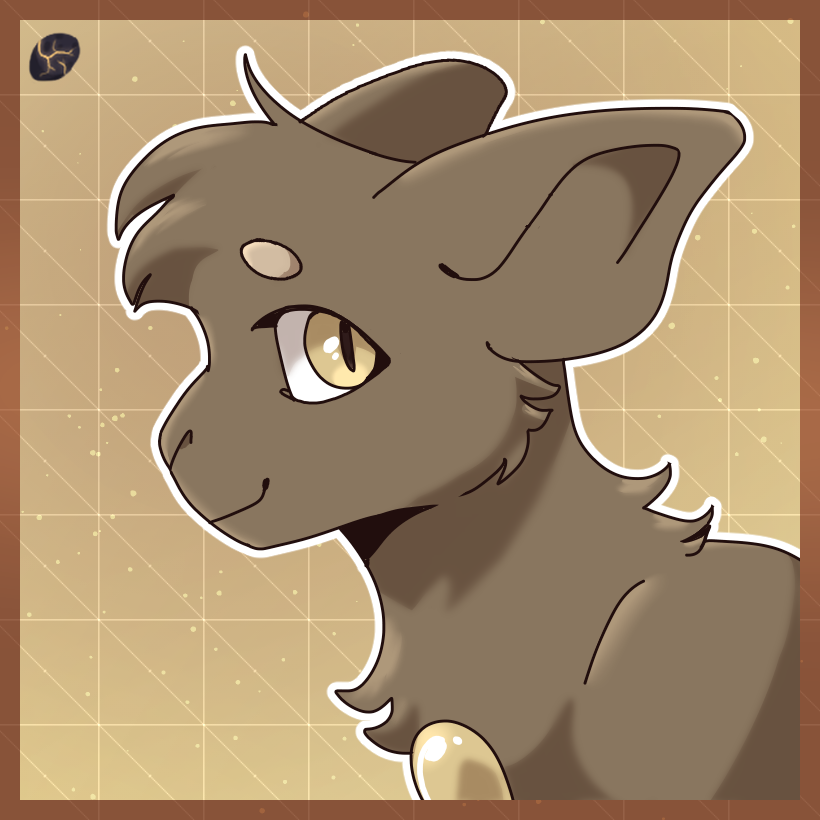
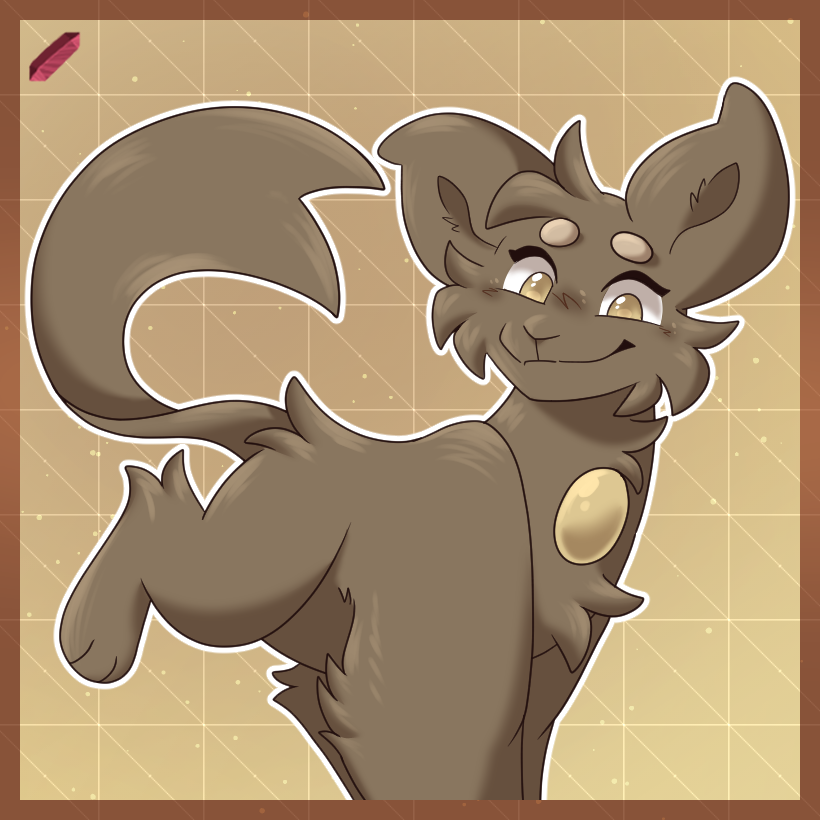
Head Fluff


Give your newly approved Kwilling some fluff!


Shards

0


Rules

  • Head Fluff must be the color of the area it sprouts from!
  • Shouldn't be longer than shown without the Long Fur Upgrade!
  • Can be styled however you please.
  • Should stay fluffy and soft without being lined off completely from the head
  • Body Fur


    Fluffier, and Fluffier.


    Shards

    0


    Rules

  • Body Fur should be the same color as the area it sprouts from
  • Shouldn't be longer than shown without the Long Fur Upgrade!
  • This upgrade cannot obscure your Kwillians Chest Gem completely
  • Body Fur cannot go on the face or claws and should stick to the body, limbs, and tail!
  • Pupils


    Everythings so much Clearer!


    Shards

    6


    Rules

  • Pupils must be round without the use of the Shaped Pupils upgrade!
  • Must be black or very near black unless paired with the Colored Pupils upgrade.
  • Baby Teeth


    I munch an' I crunch


    Shards

    10

    Drawing Requirement:

    Draw the Kwillian you want this upgrade for enjoying their favorite food or drink.


    Rules

  • These teeth should stay tiny.
  • Baby Teeth can be anywhere from One to Six (1-6) small teeth in the mouth!
  • This upgrade automatically converts into the Teeth Upgrade upon growing up! Adults cannot gain Baby Teeth.
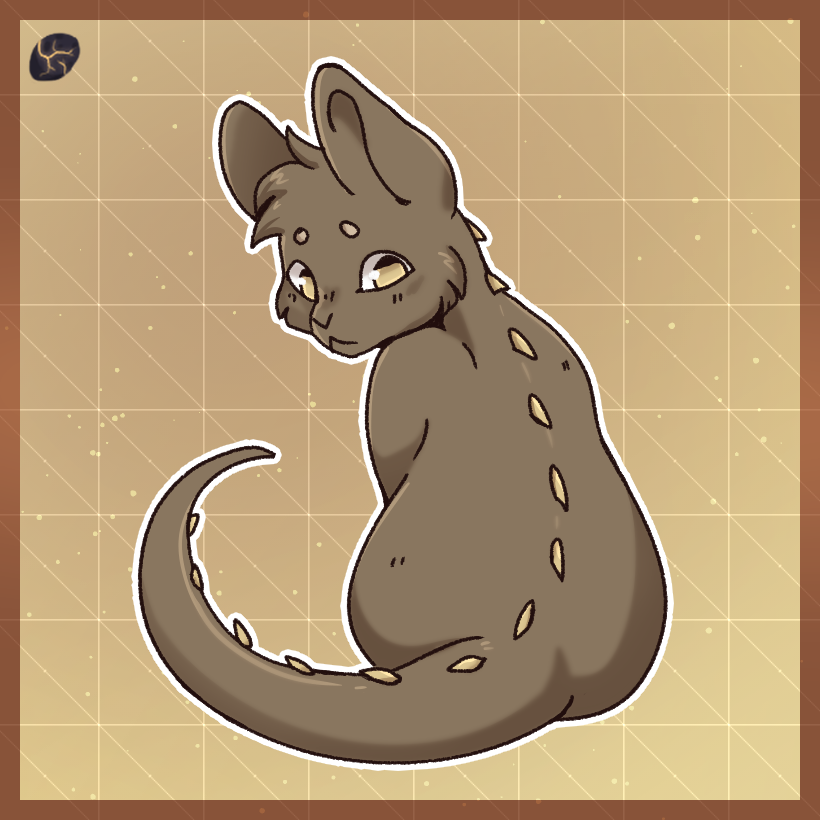
  • Baby Spikes


    How is something soft and sharp all at once?


    Age

    1 Week

    Shards

    35


    Rules

  • These spikes can go on the cheeks, neck, and/or rump!
  • Baby Spikes are flexible and rounded on the end, not sharp and pointy.
  • Spikes are the color of the area they grow from.
  • Freckles


    Adorable adornments


    Age

    1 Week

    Shards

    50

    Drawing Requirement:

    Draw the Kwillian you want this upgrade for Blushing!


    Rules

  • Freckles can start as Secondary or Accent Color.
  • These can go under the eyes, across the bridge of the nose, and/or on the shoulders!
  • Should be tiny and randomly placed, unlike spots.
  • Tiny Horn


    Oddly Rounded


    Age

    3 Weeks

    Shards

    50


    Rules

  • Tiny Horn is one singular horn!
  • This upgrade can be placed on either the Forehead or Nose!
  • This horn must be the color of the area it sprouts from.
  • Stubby Horns


    What a litle Devil.


    Shards

    80


    Rules

  • These horns should be nice and short! They shouldn't be longer than shown in the upgrade image.
  • Stubby Horns must be the color of the area it sprouts from.
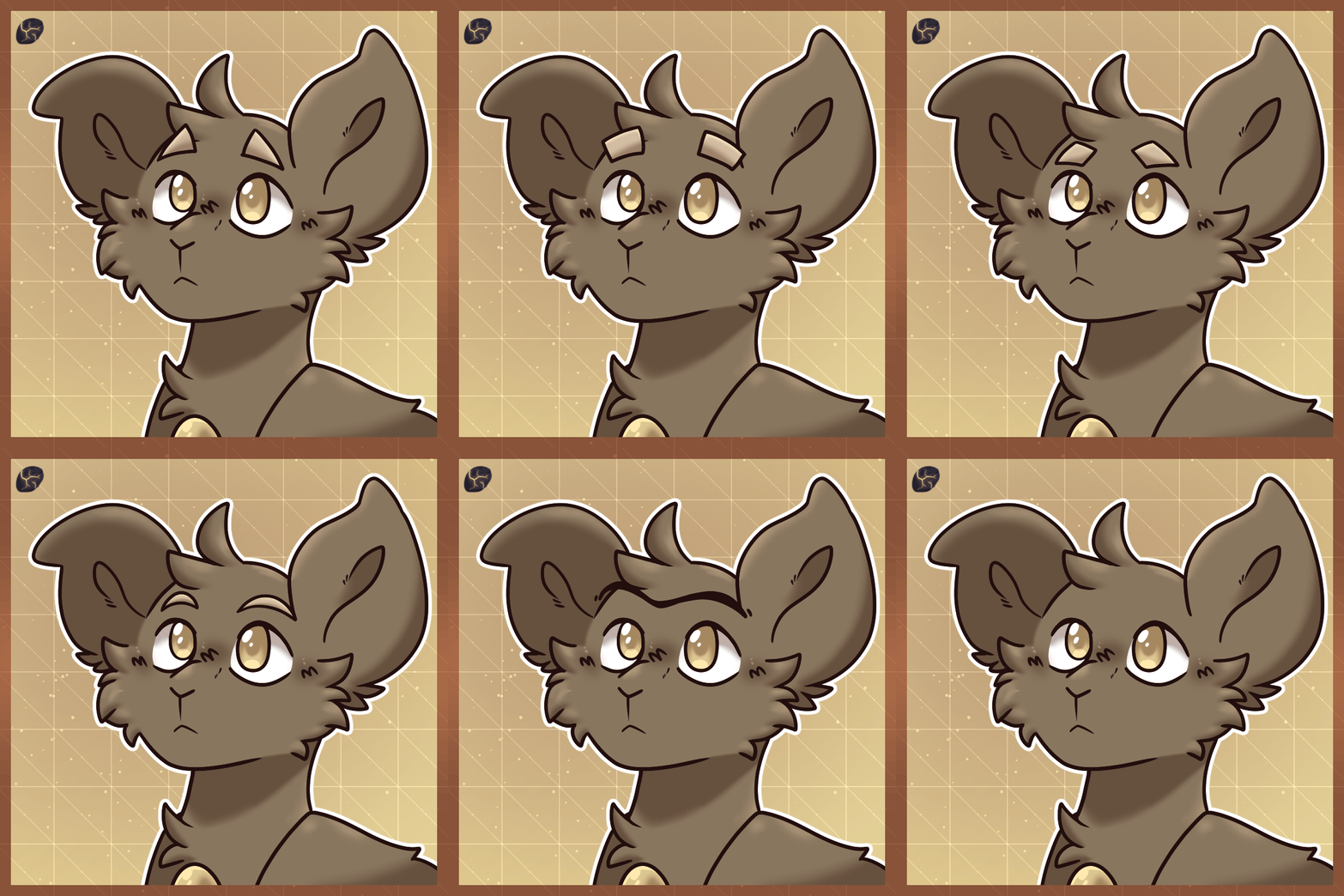
  • Baby Brow Shifter


    Simple, yet effective?


    Age

    1 Week

    Shards

    25


    Rules

  • Baby Brow Shifter turns baby brows into a very simple single, solid, symmetrical shape!
  • Baby Brow Shifter should not drastically change the overall size of the brows, only the shape.
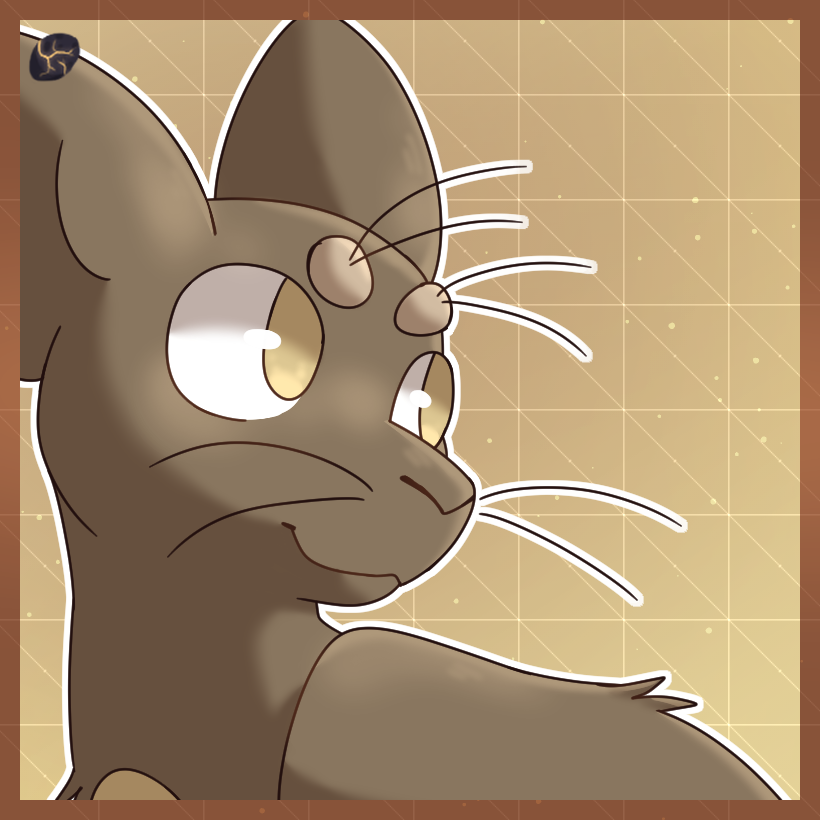
  • Whiskers


    Hey that tickles!


    Age

    3 Weeks

    Shards

    150


    Rules

  • Whiskers can only be Black or White in color.
  • Anywhere from 2-8 Whiskers can be applied using this upgrade.
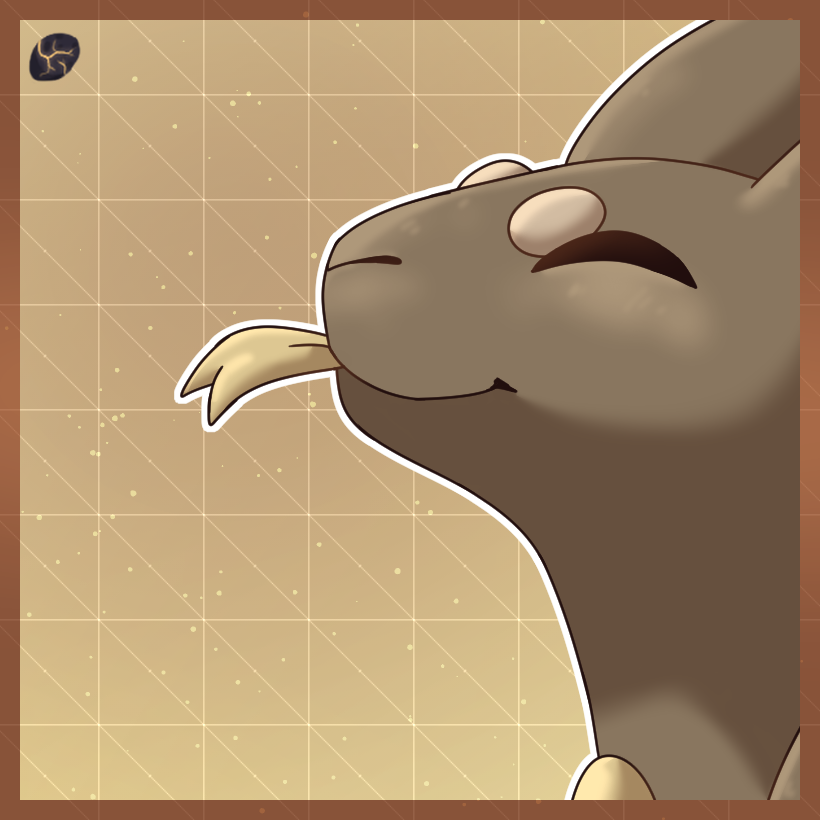
  • Forked Tongue


    Thwip Thwip.


    Age

    2 Months

    Shards

    100


    Rules

  • Forked Tongue shouldn't change colors, and should stay the color it was previously!
  • Accessorize


    Some Sw- for your -ag


    Shards

    30

    Drawing Requirement:

    Draw a two part image of your Kwillian receiving their accessory.


    Rules

  • Accessorize can only add one accessory to your Kwillian.
  • The accessory should be reasonably small and low coverage, meaning no items or pieces of large clothing.
  • Good Examples: Bows, Hats, Shawls, Glasses, Gloves, etc.
  • Bad Examples: Hoodies, Magical Items, Stuffed Animals, etc.
  • Baby Ear Upgrades

    Veneberra Ears


    Now all you need is the tongue!


    Age

    2 Months

    Shards

    45


    Rules

  • The inner ear can start as Secondary, or Gem Colored.
  • Ribbon Ears


    Tie your ears into a pretty little bow!


    Age

    2 Months

    Shards

    250

    Drawing Requirement:

    Draw the Kwillian you want this upgrade for tying something into a knot or bow!


    Rules

  • Ribbon Ears shouldn't be longer than shown!
  • Droop Ears


    Your spirits may be up but your ears are down!


    Age

    2 Months

    Shards

    125

    Drawing Requirement:

    Draw the Kwillian you want this upgrade for being sad!
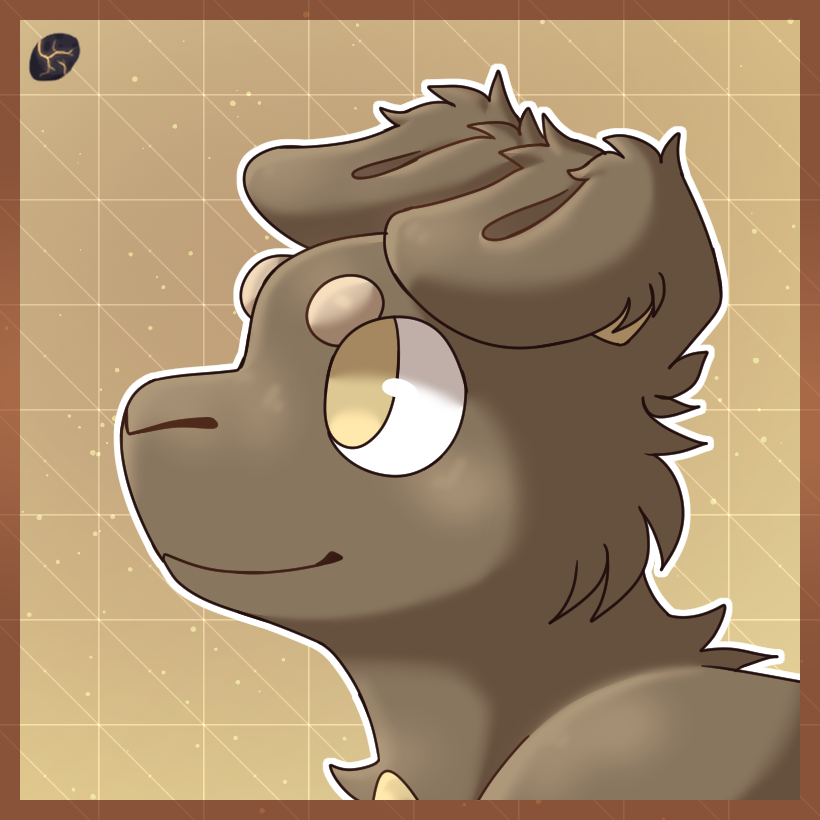

    Rules

  • The inner ear can start as Secondary, or Gem Colored.
  • Hounds Ears


    Awww! Who's a good boy?! You are!


    Shards

    130

    Drawing Requirement:

    Draw the Kwillian you want this upgrade for scratching behind their ear with their foot!
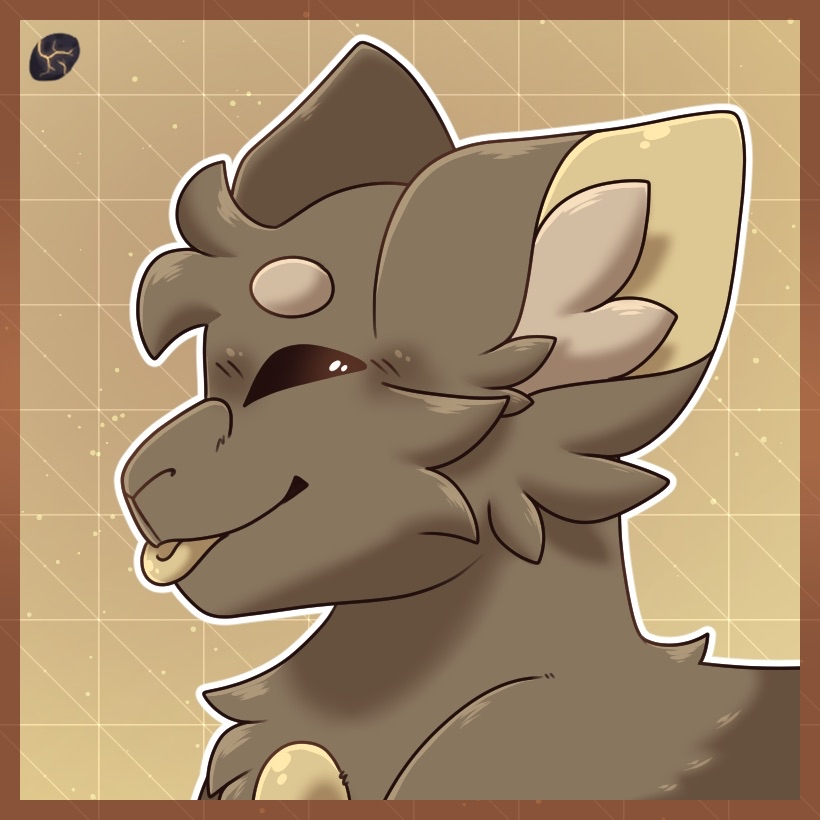

    Rules

  • The inner ear can start as Secondary, or Gem Colored.
  • Can have fur or be entirely naked/furless!
  • Moppet Ears


    Soft kitty, warm kitty...


    Age

    2 Months

    Shards

    140


    Rules

  • The inner fluff of Moppet Ears can start as Secondary, or Gem Colored.
  • The inner ear can start as Secondary, or Gem Colored.
  • The fluff on the inside of the ears is optional!
  • Notched Ears


    Ouch... what happened there?


    Shards

    150


    Rules

  • The inner ear can start as Secondary, or Gem Colored.
  • The notch in these ears can be anywhere on the bottom of the ear as long as it does not interrupt the inner ear.
  • Lop Ears


    Soft Bunny!


    Shards

    300


    Rules

  • The inner ear can start as Secondary, or Gem Colored.
  • Lop Ears should not be longer than shown in the upgrade image.
  • Baby Limb Upgrades

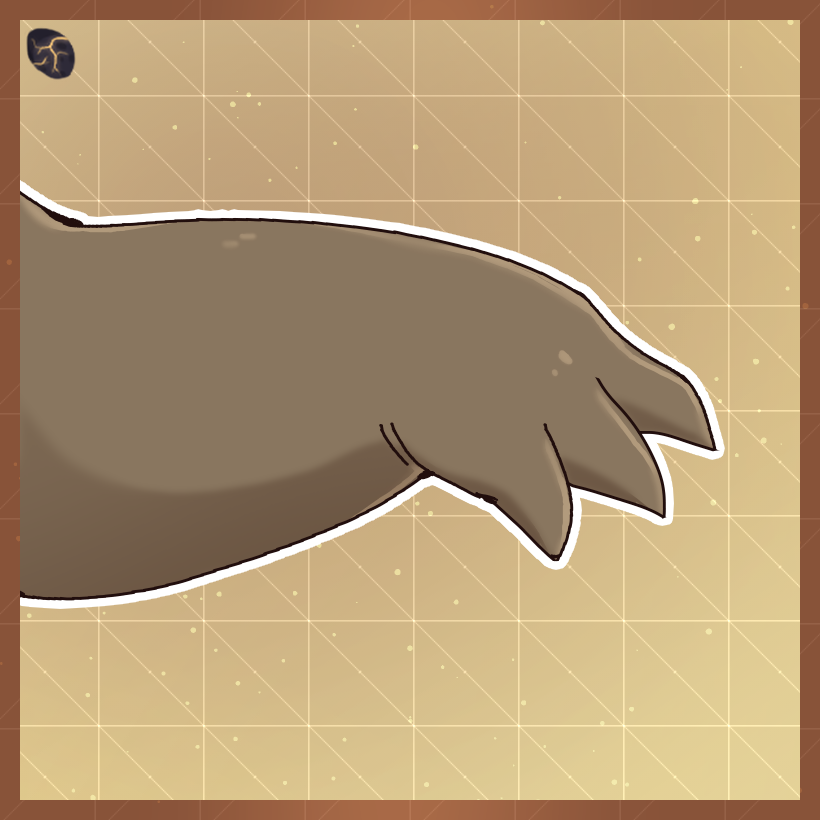
    Veneberra Claws


    Sharp and pointy, sharp and pointy...


    Age

    1 Month

    Shards

    125


    Rules

  • Veneberra Claw should only appear as three digits unless combined with the Thumbs Upgrade.
  • Veneberra Claws should not be lined off from the rest of the foot as it mimics the Talons Upgrade too closely!
  • This Upgrade can be combined with all Limb Upgrades that affect the digits or limbs of your Kwillian.
  • Webbed Digits


    Splish Splash I was takin' a bath.


    Shards

    150

    Drawing Requirement:

    Draw the Kwillian you want this upgrade for in water somehow!
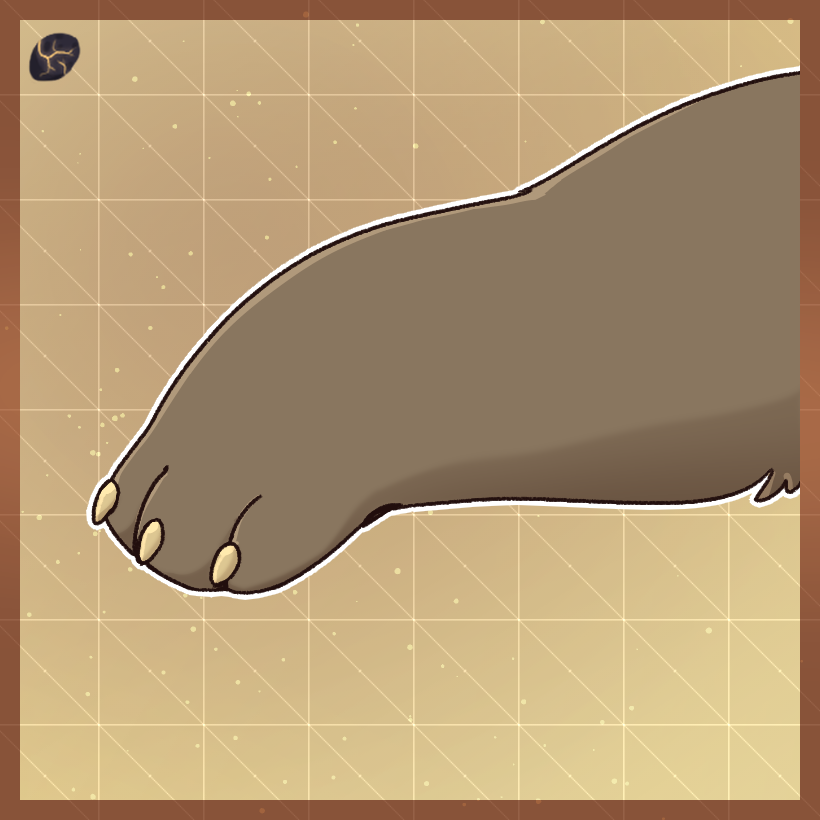

    Rules

  • Webbed Digits can start as Secondary, Base, or Accent Colored.
  • The Webbing of this upgrade can be opaque or slightly transparent!
  • This Upgrade can be applied to the back and/or front limbs.
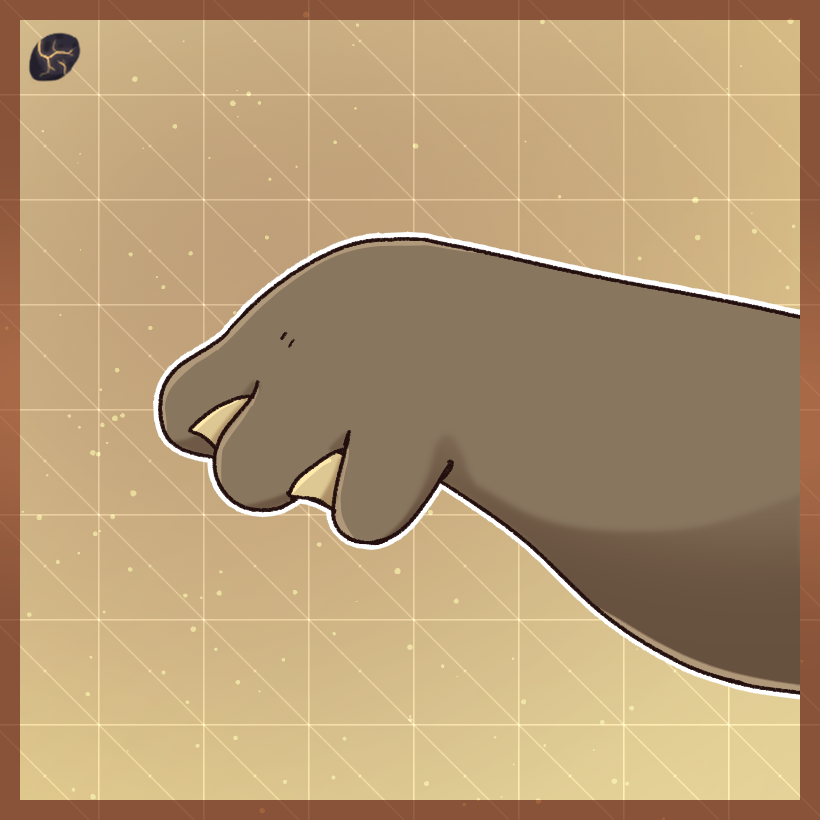
  • Tiny Claws


    Not exactly dangerous


    Shards

    50


    Rules

  • Tiny Claws can start as Pure Black, Secondary, or Accent Colored.
  • Tiny Claws are not retractable and should always be visible.
  • Thumbs


    Pass the holy hand grenade!


    Shards

    20

    Drawing Requirement:

    Draw a Kwillian trying to write something without thumbs! How do they do?
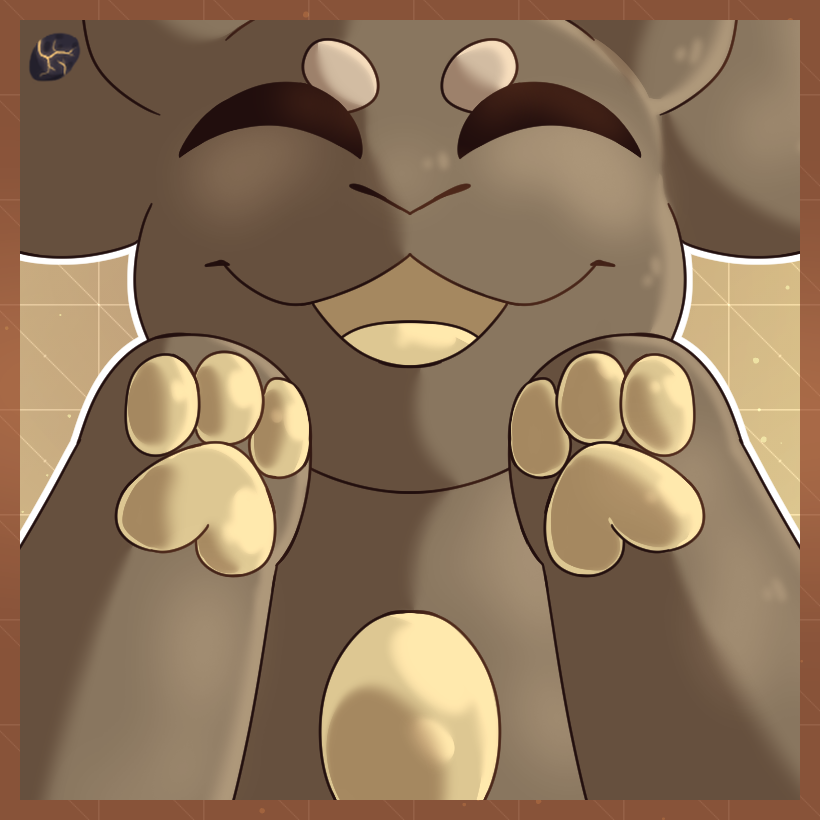

    Rules

  • Thumbs match the color/pattern of the closest finger/digit to them when applied.
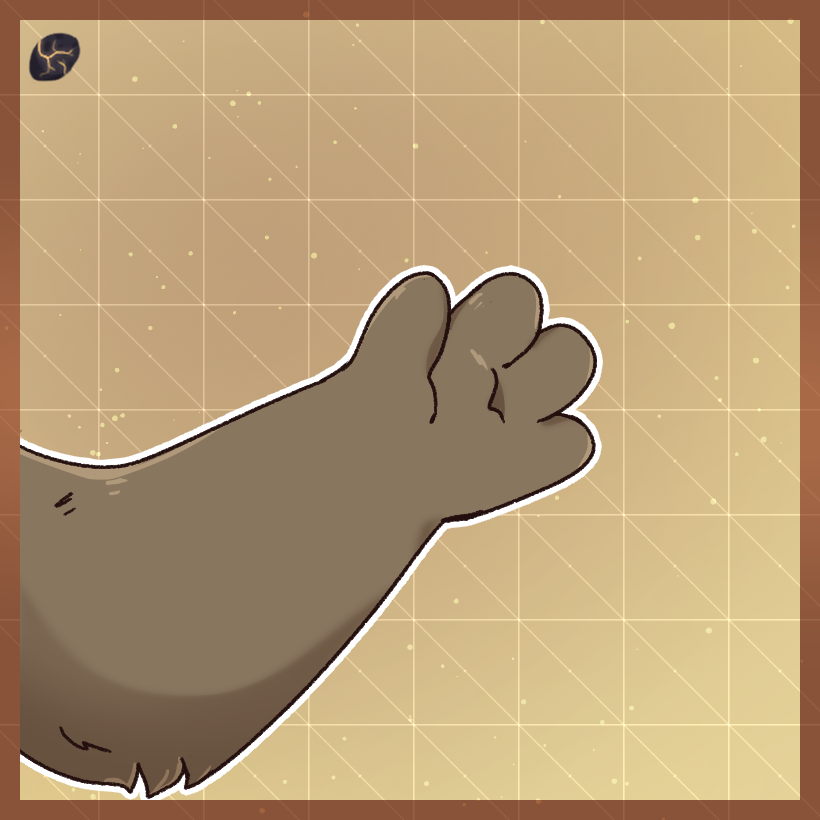
  • Thumbs must appear as an extra digit on the inside of the hand and cannot add a fourth non-thumb finger.
  • This Upgrade can be combined with all limb upgrades that affect the digits or limbs of your Kwillian!
  • Paw Pads


    Squishy additions to your... squishy additions!


    Shards

    100

    Drawing Requirement:

    Draw the Kwillian you want this upgrade for petting an official creature!
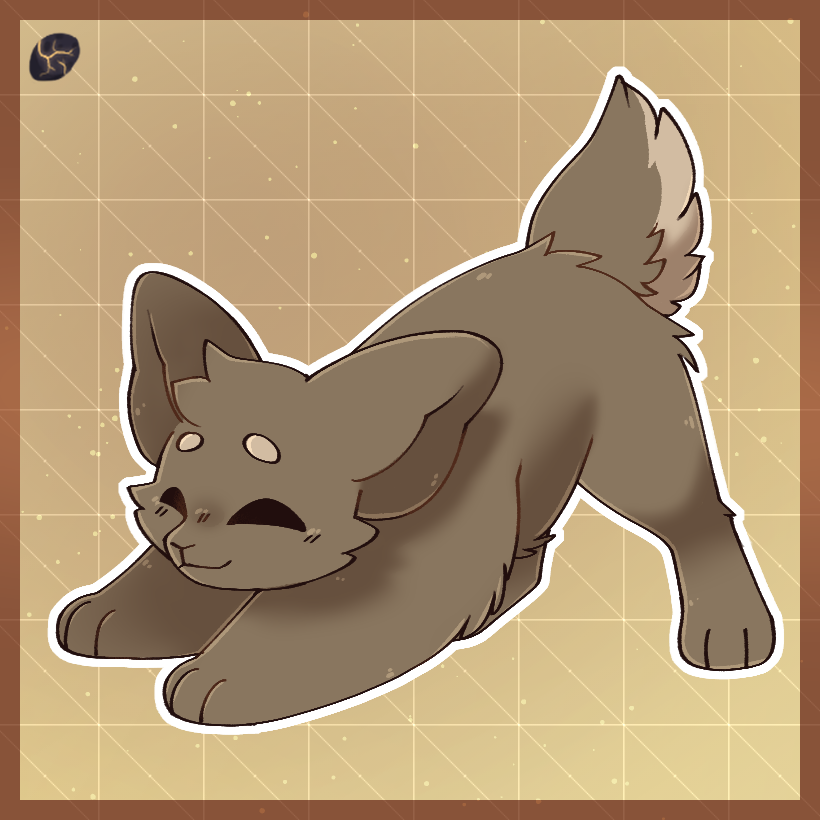

    Rules

  • Paw Pads start can Secondary, or Gem Colored!
  • This upgrade can be applied to Veneberra Claws!
  • Paw Pads should be round, the shape can be changed later with another upgrade!
  • Baby Tail Upgrades

    Fawn Tail


    Oh deer!


    Age

    1 Month

    Shards

    150


    Rules

  • The top of Fawn Tail must be the same color the tail was before application.
  • The fur of Fawn Tail can start as Base, Secondary, or Accent Colored.
  • Fur should not be longer than shown without the Longer Fur upgrade!
  • Ribbon Tail


    ​Unfortunately not able to be made into a bow


    Age

    2 Months

    Shards

    275

    Drawing Requirement:

    Draw the Kwillian you want this upgrade for being confused!
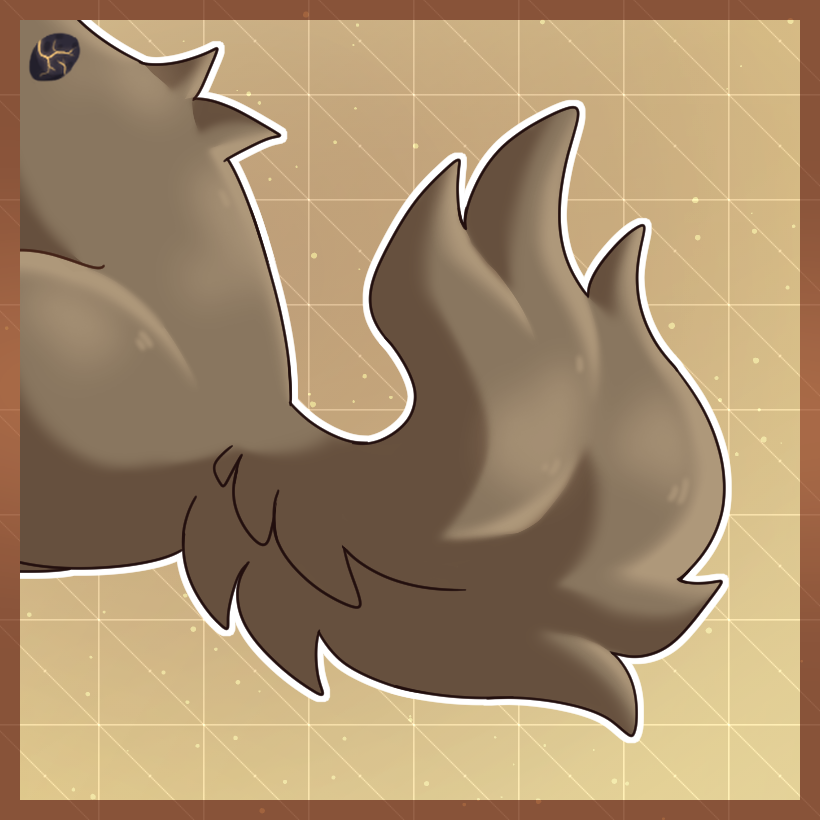

    Rules

  • Ribbon Tail is not a prehensile tail and lacks enough muscle to pick anything up.
  • Fluffy Tail


    Very Husky-esque!


    Age

    2 Weeks

    Shards

    220


    Rules

  • Fluffy Tail's fur shouldn't be longer than shown without the Long Fur Upgrade!
  • Baby Wing Upgrades

    Starter Wings

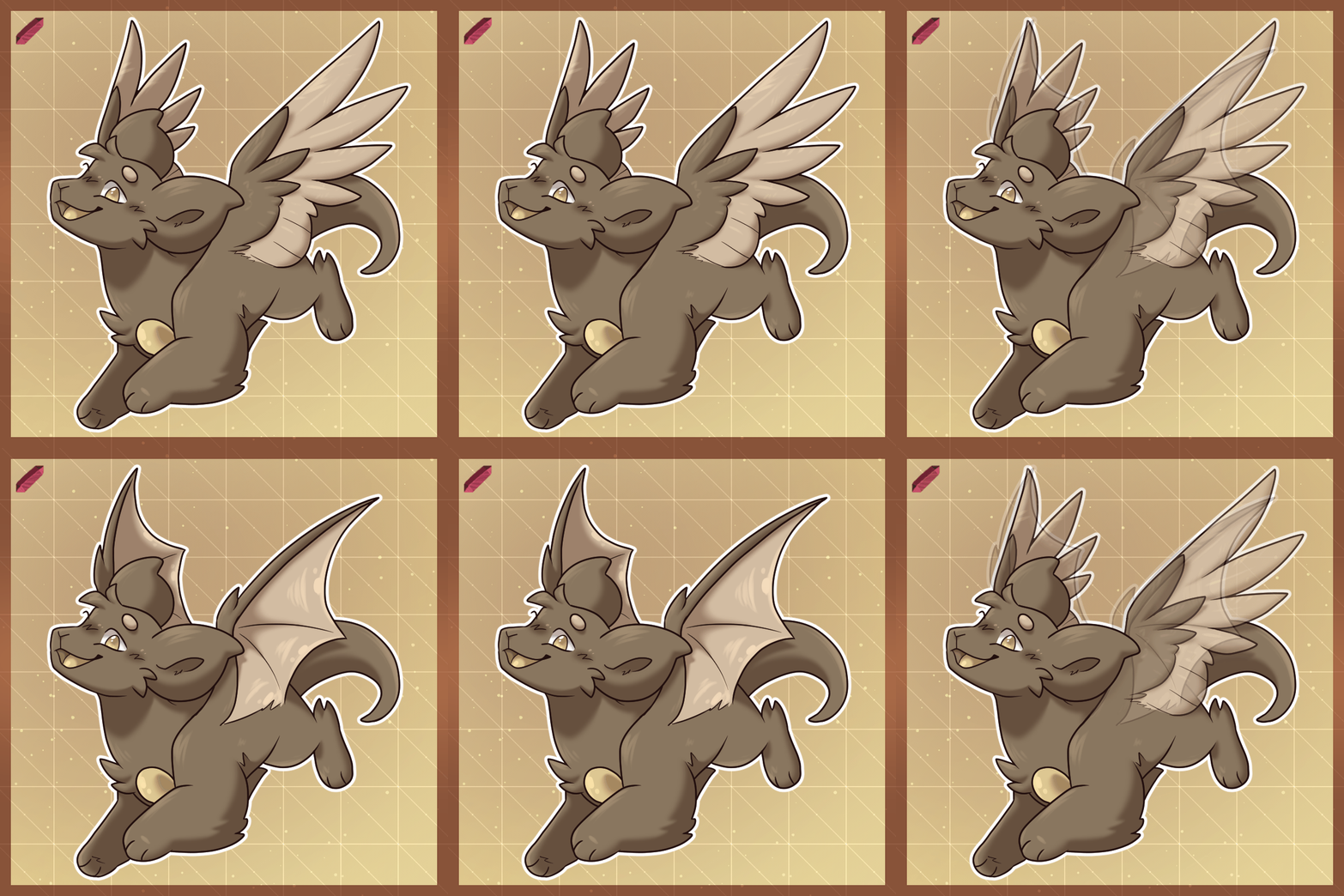
    Tiny Arm Wings


    On your way to being able to soar!


    Age

    1 Week

    Shards

    30


    Rules

  • Tiny Arm Wings can be either webby or feathery, as shown above!
  • These wings can start as Secondary or Accent Colored.
  • Webbing on the Webby version can be either semi-transparent or opaque.
  • Tiny Back Wings


    Chicken Wings? Chicken Wings!


    Age

    1 Week

    Shards

    30


    Rules

  • Tiny Back Wings can be either webby or feathery, as shown above!
  • These wings can start as Base, Secondary, or Accent Colored.
  • These wings sprout from the upper back between the shoulders, nowhere else!
  • Grown Wings

    Medium Back Wings


    You can fly, now! At least, you can fly if you're a baby!


    Age

    2 Months

    Shards

    75

    Drawing Requirement:

    Have the Tiny Back Wings upgrade applied!


    Rules

  • Your Kwillian must have the matching Tiny Back Wings upgrade first.
  • The second row of feathers/webbing, depending on wing type, can start as Secondary, or Accent Colored.
  • These wings are not Flight-Able on adults, but are on babies.
  • Baby Markings


    • Baby Markings must start all the same color, but can be color mixed later to be differenty colors from one another.
    • All Baby Markings can start as Base, Secondary color or Accent Colored.
    • Baby Markings cannot overlap in any way regardless of if they are the same color or marking.
    • Your Kwillian can only have One (1) Baby Marking applied at any given time without Unlimited Markings or Additional Marking, an Adult upgrade. So if you have Baby Spots and want Baby Bands, you'll have to remove the Spots!
    • A Kwilling can have a Max of Ten (10) of any one type of applied Baby Marking on them. i.e. Ten Stripes, Ten Spots, Ten Bands, etc. They can have less than Ten, but no more than that!
    • These markings are not inheritible through Breeding, only regular adult markings are!

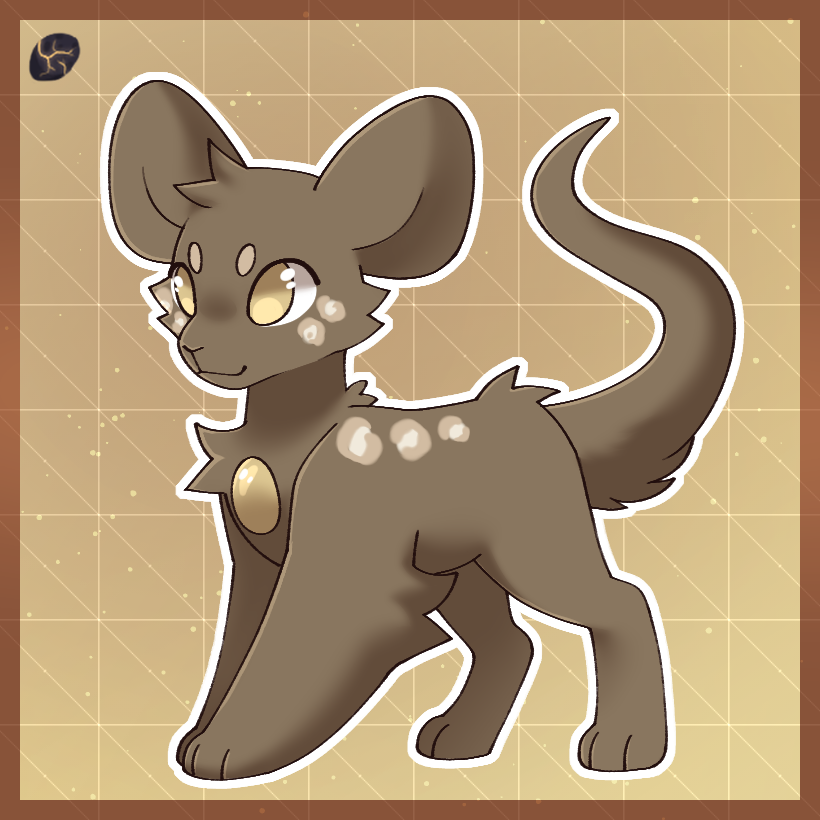
    Baby Spots


    One of the Hundred 'n One!


    Age

    1 Month

    Shards

    50


    Rules

  • Baby Spots should be round and semi-large in size.
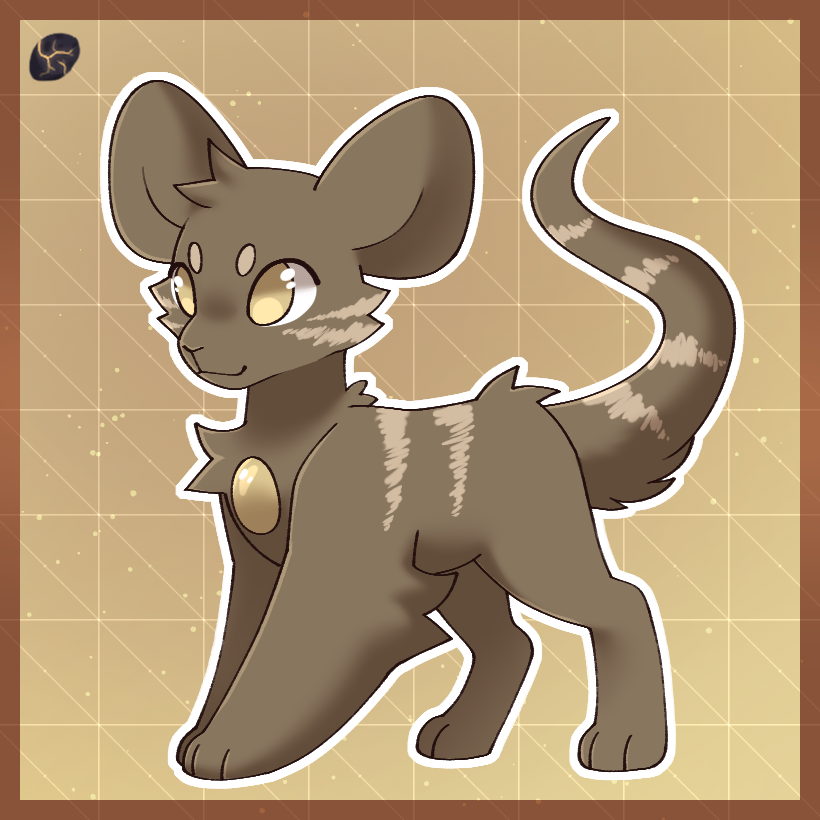
  • Baby Stripes


    Little tiger...


    Age

    1 Month

    Shards

    75


    Rules

  • Baby Stripes must be simple cartoony stripes as shown in the Upgrade Image.
  • Baby Stripes points must be sharp or semi-sharp and cannot be rounded on the ends.
  • Baby Bands


    Bracelets ARE hip!


    Age

    1 Month

    Shards

    100


    Rules

  • Baby Bands must wrap all the way around a part of the body, i.e. the ears, neck, muzzle, body, limbs, etc.
  • Baby Boxes


    Cubes... always the cubes...


    Age

    1 Month

    Shards

    110


    Rules

  • Baby Boxes can be either of the simple box shapes shown on the upgrade art above!
  • Baby Rosettes


    Littlest Leopard <3


    Age

    1 Month

    Shards

    155


    Rules

  • Rosette Marking outlines & filling color cannot match in colors.
  • Rosette Markings can be just the outlines without the filling color or have the filling color, they cannot be both without Color Mixer (adult upgrade)
  • Baby Smudges


    I don't think baby birds have those, actually?


    Age

    1 Month

    Shards

    125


    Rules

  • Baby Smudges cannot be used to form overly-complex shapes.
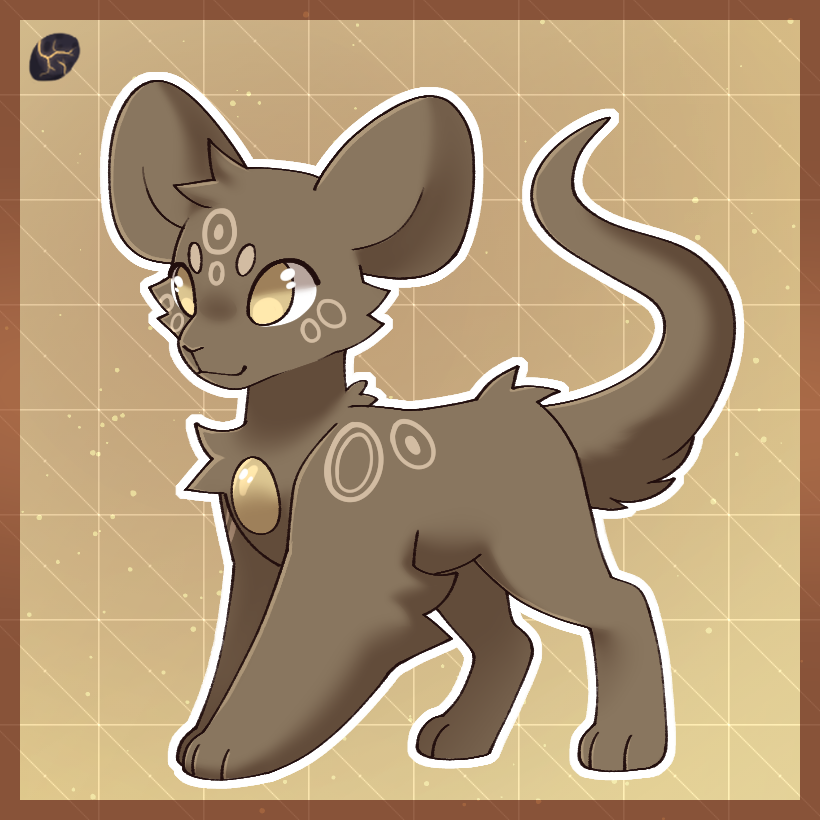
  • Baby Rings


    Don't teeth on these!


    Age

    1 Month

    Shards

    140


    Rules

  • Baby Boxes can be any of the shapes/styles shown on the upgrade art above!
  • Additional Marking


    An extra marking, just for you!


    Age

    2 Months

    Shards

    250

    Drawing Requirement:

    Draw three different Kwillian with at least three of the different marking upgrades!
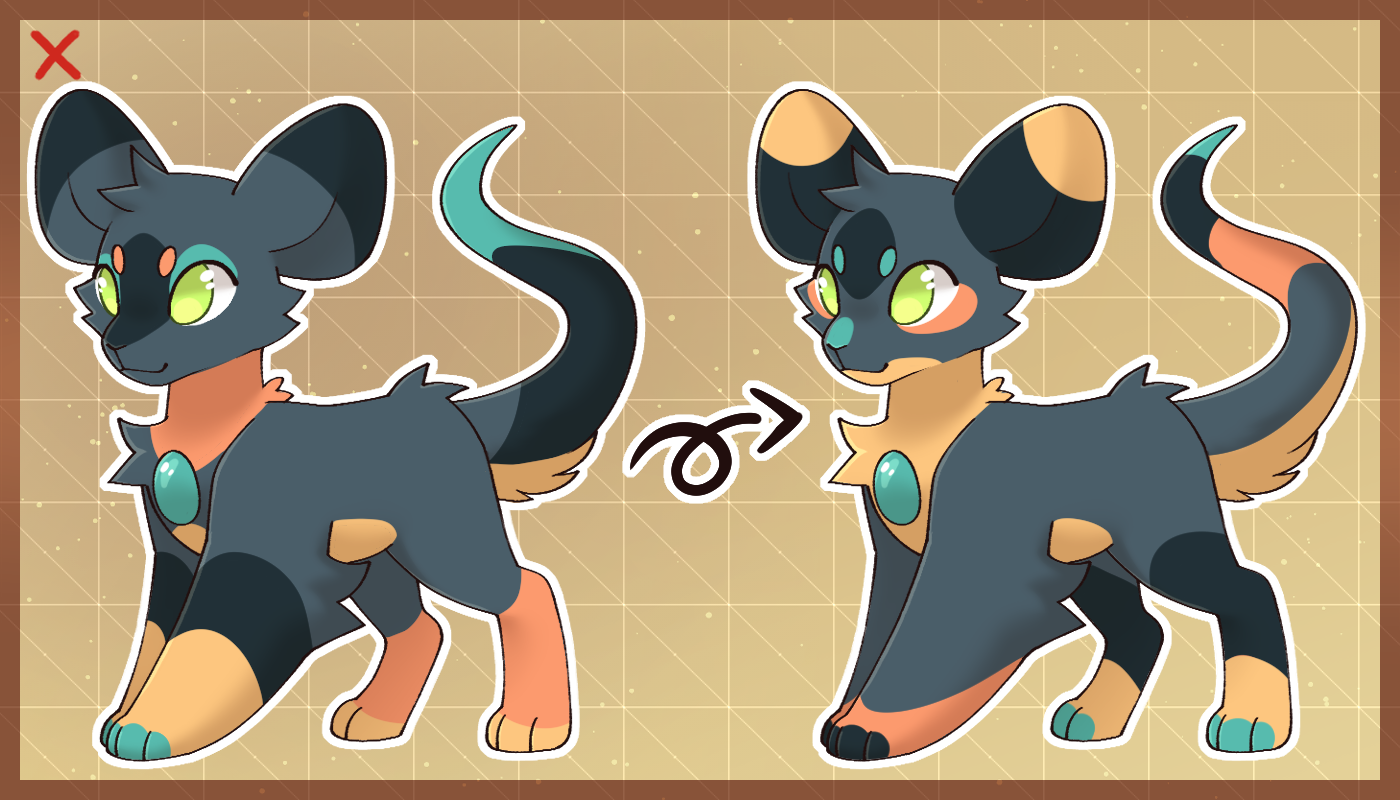

    Rules

  • Additional Marking can only add one extra marking at a time, this can be a Baby or Adult Marking.
  • If you want to add a different marking from the two currently applied ones, one of the current markings must be removed.
  • This upgrade is a downgraded version of Unlimited Markings and is overridden when that upgrade is applied.
  • Baby Color Upgrades


    Placement Mixer


    Time to mix it up a little!


    Age

    1 Month

    Shards

    100

    Drawing Requirement:

    Draw the Kwillian you want this upgrade for with their original placements at least Three (3) Times!
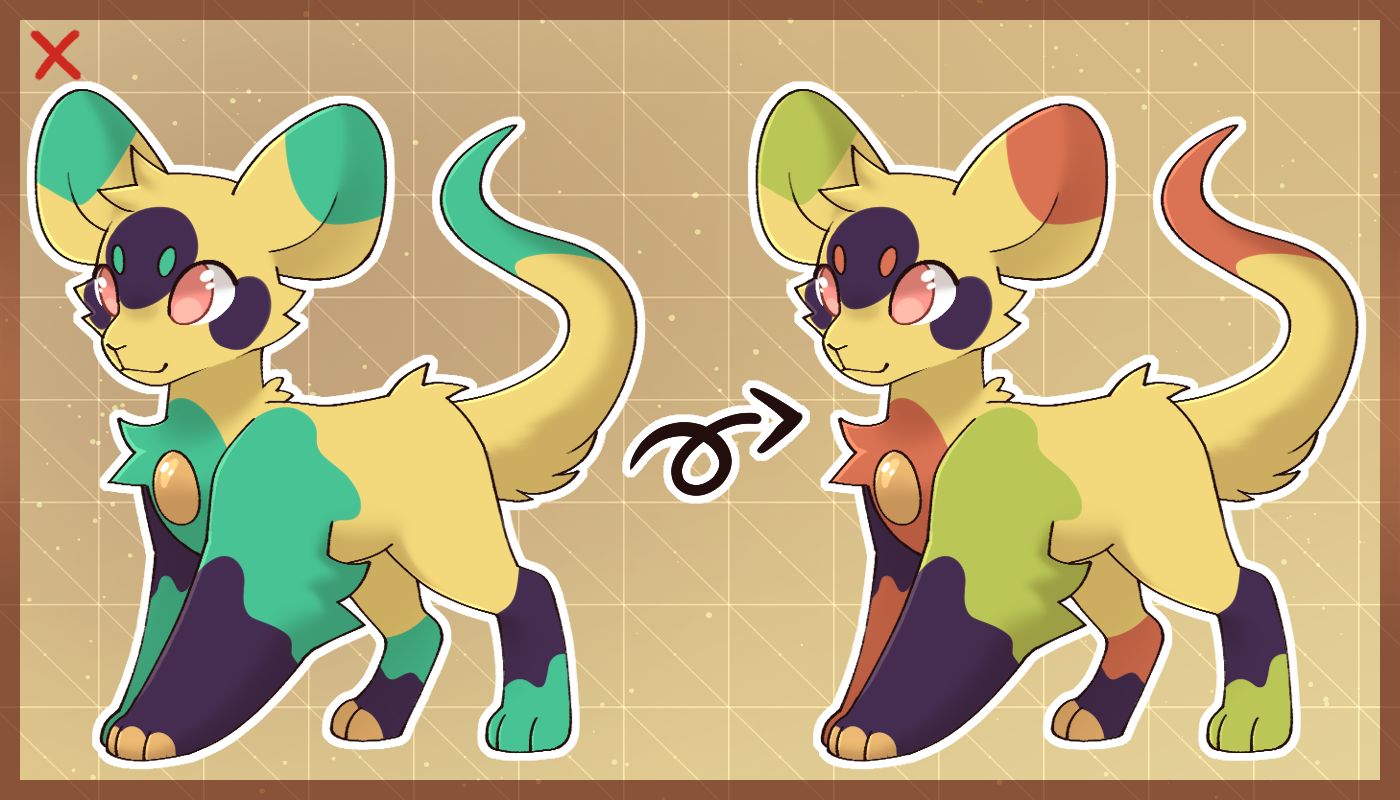

    Rules

  • Placements must still follow the MYO Placement rules, meaning they cannot cover more than 50% of the base color of your Kwillian.
  • Only secondaries present on the Kwillian currently can be used.
  • Secondary Shuffler


    New Old Colors is now you!


    Age

    2 Months

    Shards

    150

    Drawing Requirement:

    Draw the Kwillian you want this upgrade for with some kind of Paint or Paintbrush!
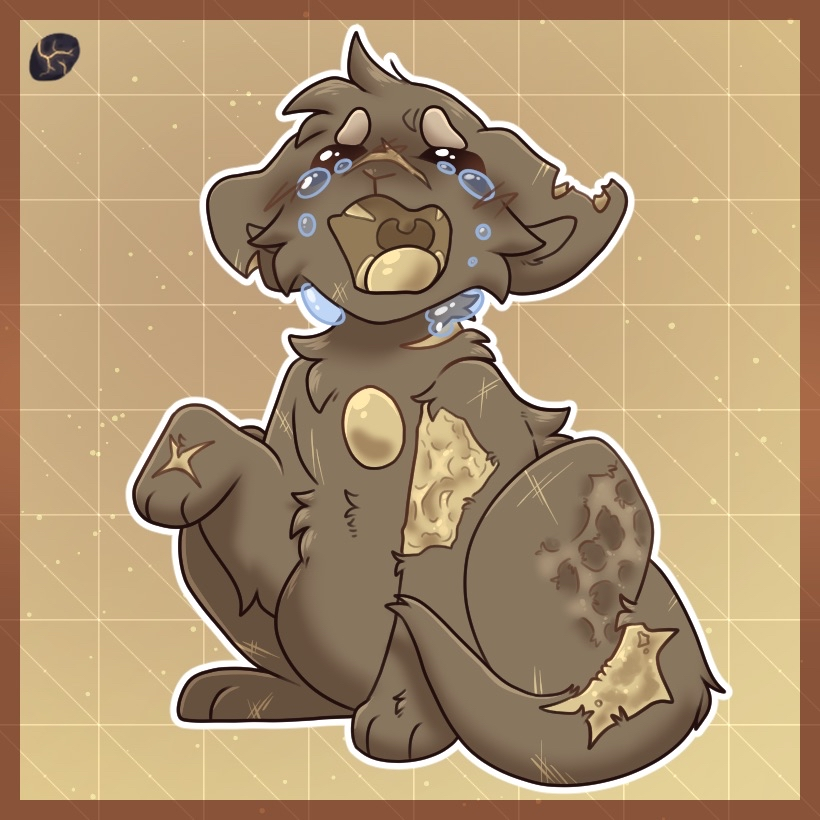

    Rules

  • Secondary Shuffler can be used to replace or add Secondary Colors from the Kwillians original baby palette to their current design! It cannot be used to add new colors, or add the gem color as an accent if not originally used.
  • Baby Applicable INJURIES...

    Scars


    ​Oh... ouch.


    Age

    2 Months

    Shards

    150

    Drawing Requirement:

    Draw the Kwillian you want this injury for receiving their scar. You must include a 500 Word Story on how it happened!


    Rules

  • This can be used to apply multiple scars at a time however they must make sense. If they're injured on the rump you can't add scars to the face, etc.
  • Scars should never be used to mimic any triggering scarring patterns that might affect people in real life.
  • Scars can be used to notch wings, tear ears, add burns, etc.
  • This Injury cannot be used to remove any digits, the tail, or entire ears.
  • Other


    Remove/Change Upgrade


    Out with the old, and- actually, just out with the old!


    Rules

  • In order to remove, reapply, or change an upgrade, you must either have 5 Separate Images of your Kwillian showing the upgrade or have applied that Upgrade at least Three Months prior!
  • This rule applies to replacing ears, wings, and horns. This also applies to changing where markings are placed, changing the appearance of an upgrade from how you applied it originally in color, and color upgrades!
  • This can also be used to move around markings, however, they must follow the basic marking rules if you'd previously color mixed them. (Must be all one color, etc.)